Count pushups automatically with your camera
JustGains counts pushup reps hands-free using your front camera. Set the phone on the floor, do your set, and the count lands in your log.
Counting your own pushups is harder than it sounds. Somewhere around rep 15 you start negotiating with yourself: was that 17 or 18? JustGains has a built-in Auto Counter that watches your set through the front camera and counts every rep for you, so you can put all of your attention into pushing.
How to start a counted set
- Add a pushup exercise to your workout and tap the reps field.
- Tap the Push Ups camera button above the keypad.
- Place the phone flat on the floor, screen up, roughly under your chest.
- Get into a pushup position with your face over the screen and hold steady at the top for a moment. That short pause is the counter calibrating your starting height.
- Start doing pushups. The count updates the instant you complete each rep, with a haptic tick as confirmation.
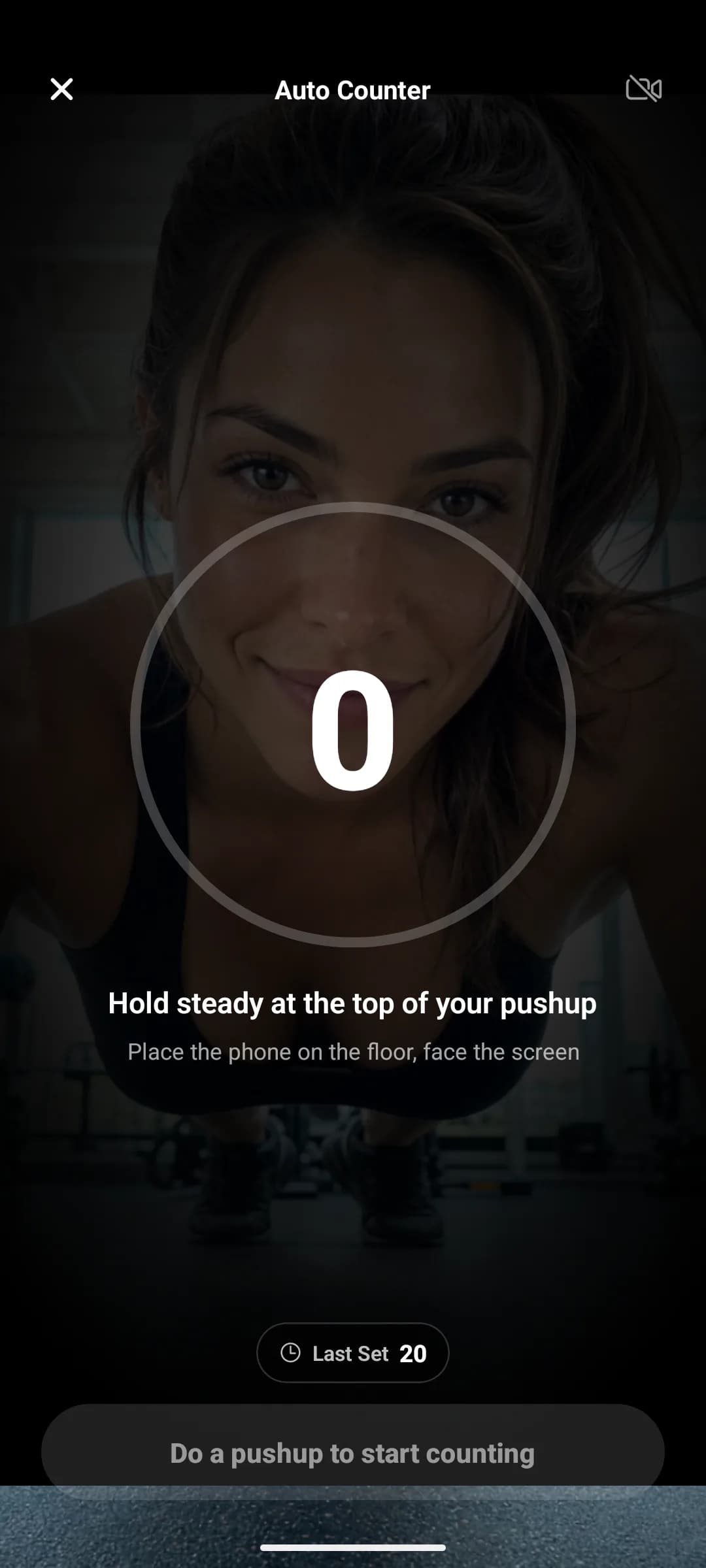
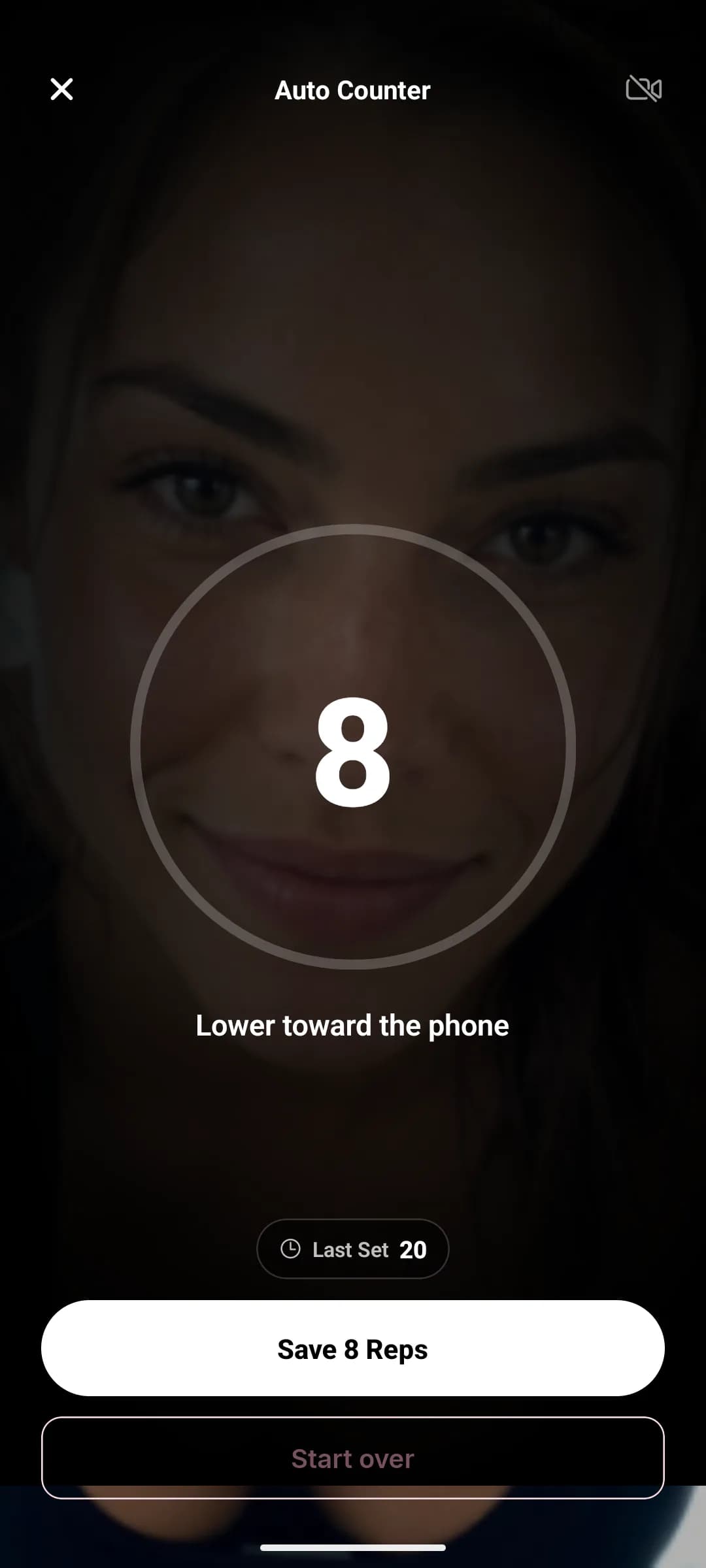
When the set is done, tap Save and the final count is written straight into the reps field of your workout. You can still edit the number afterwards like any other set, and the sheet shows your last set alongside so you know what you are trying to beat.
How it works
The counter uses on-device face detection to measure how close your face is to the phone. At the top of a pushup your face is far from the screen; at the bottom it is close. That distance signal traces a clean wave as you rep, and the counter turns the wave into reps.
A rep only counts when you travel down past a depth threshold and come all the way back up. Small bounces, shuffling into position, or hovering halfway will not add phantom reps, and if the camera loses sight of you the counter pauses instead of guessing.
Getting an accurate count
- Train in reasonable light so the camera can see your face.
- Keep the phone flat on the floor directly under your face or upper chest, not off to the side.
- Move with intent: a controlled descent and a full lockout read perfectly.
- If the count drifts, tap Start over and recalibrate at the top position.
Why bother counting exactly?
Bodyweight training progresses the same way barbell training does: you beat your old numbers. An exact rep count per set is what makes progressive overload visible for pushups, and JustGains uses those logged sets everywhere else too, from training volume to your workout history.
FAQ
Keep learning
What is progressive overload?
Progressive overload means giving your body a little more challenge over time.
Rep ranges for your goal
Strength, hypertrophy, and endurance rep ranges overlap more than people think.
Sets, reps, and training volume
Training volume is the amount of work you do, usually tracked through hard sets.