Record a GPS activity
Track a run, ride, walk, or hike without losing the route.
Before you start
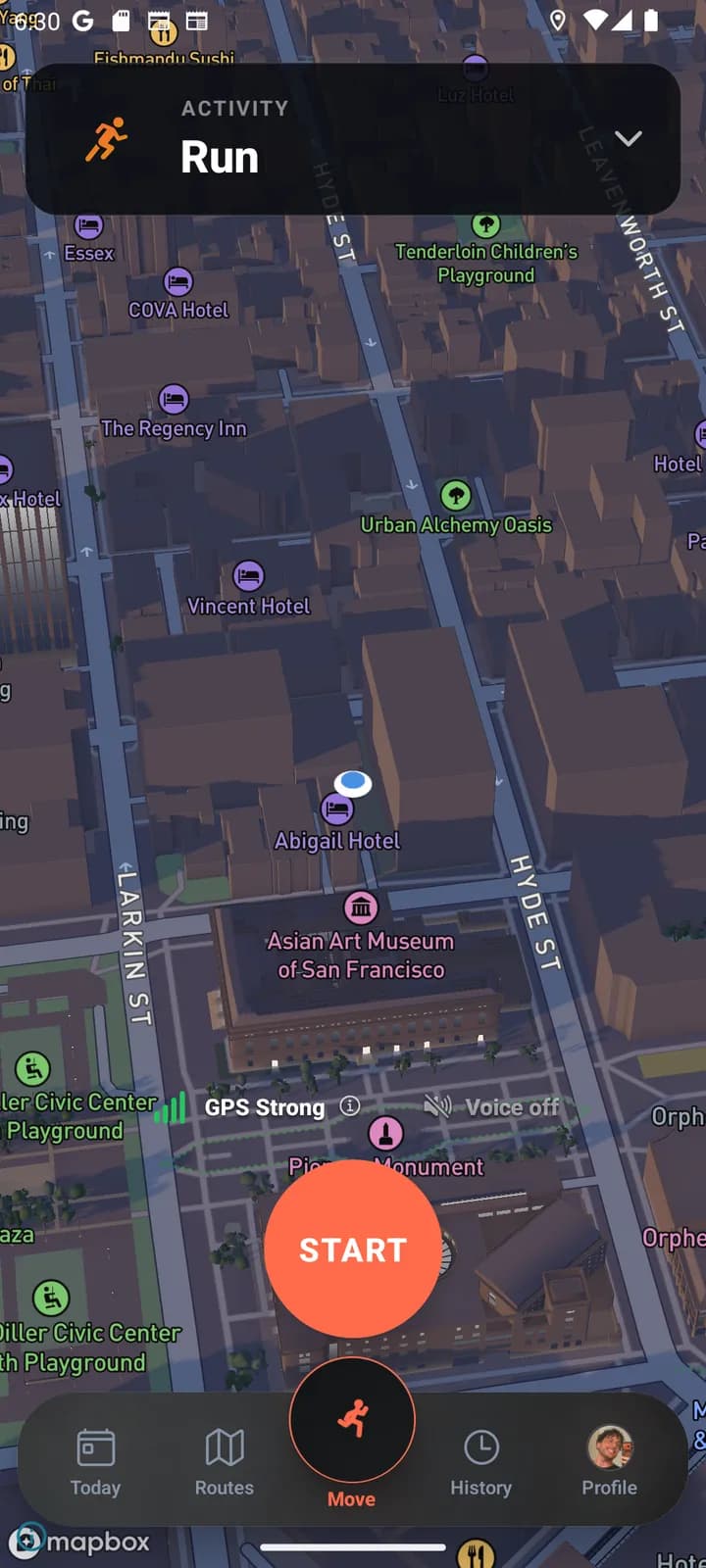
Open Activity, choose an activity type, and allow location access when prompted. Outdoors, wait for a usable GPS signal before starting.
For longer recordings, make sure your phone has enough battery and that system battery-saving settings are not restricting JustGains.
Finish and review
Pause when you deliberately stop, then finish the activity to save it. Review the route, duration, and distance before sharing.
Dense buildings, tunnels, and poor reception can affect the route. A small GPS wobble is not proof that you briefly achieved teleportation.
Keep learning
How streaks work
JustGains streaks count distinct local workout days, with rest tolerance and Streak Freezes.
Guided breathing: Box, 4-7-8, Wim Hof, and more
How box breathing, 4-7-8, the physiological sigh, Wim Hof, and coherent breathing work, and when to use each of the five techniques.