Account & privacy
Manage your account and data
Update your profile, privacy choices, subscription, or account.
Updated July 12, 20263 min read
Profile and preferences
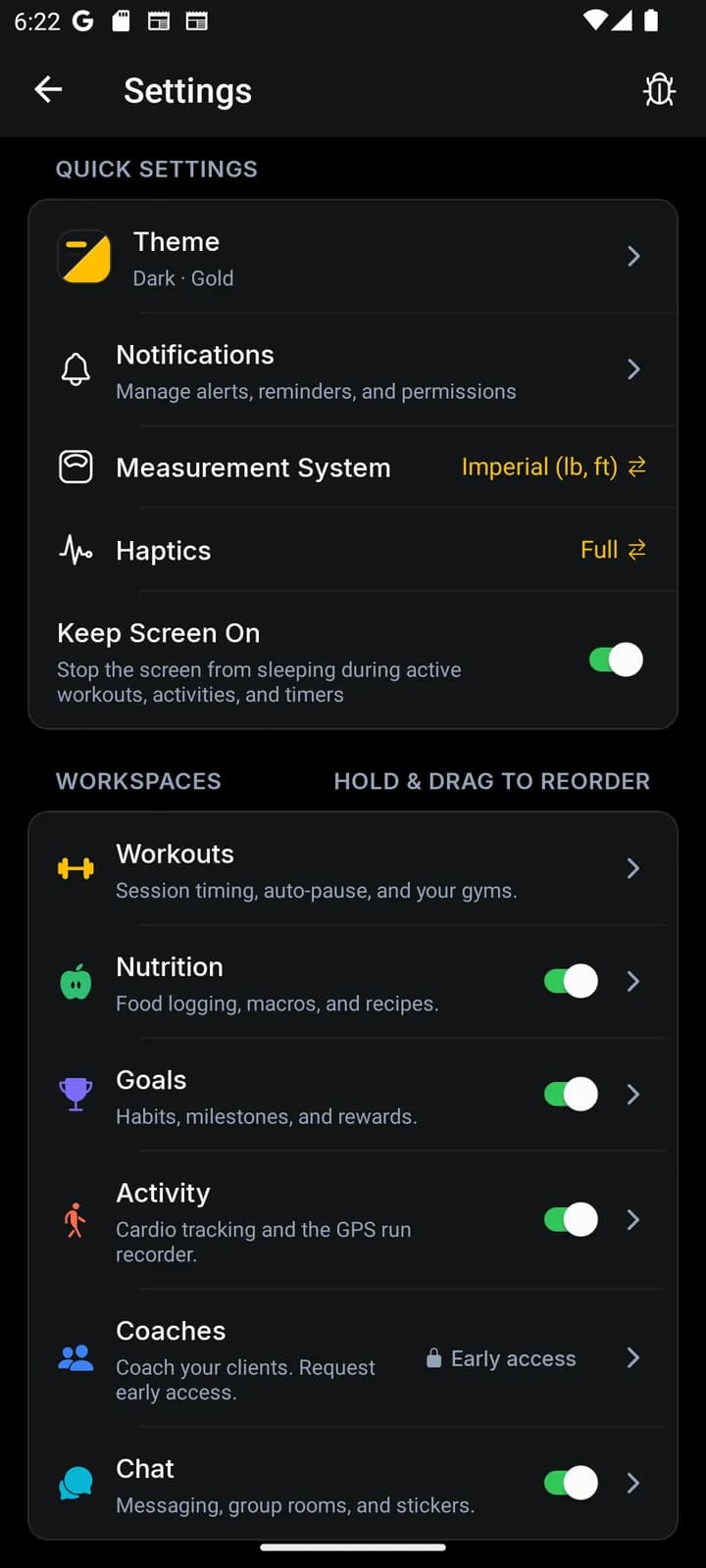
Open Settings to update your profile, units, notifications, connected services, and privacy choices. Changes sync to your account when you are online.
Review connected health and location permissions in both JustGains and your phone settings. Removing a system permission can stop related features from updating.
Subscription or deletion help
App-store subscriptions are managed through the store account used to purchase them. Canceling stops future renewal; it does not normally erase the time you already paid for.
For account deletion or a data request, email support@justgains.com from the address on your account so the support team can verify the request.